

What happens to your open orders when you change systems?
How part-delivered orders, outstanding purchase orders and jobs in progress are usually carried across when a business moves to Workhorse.
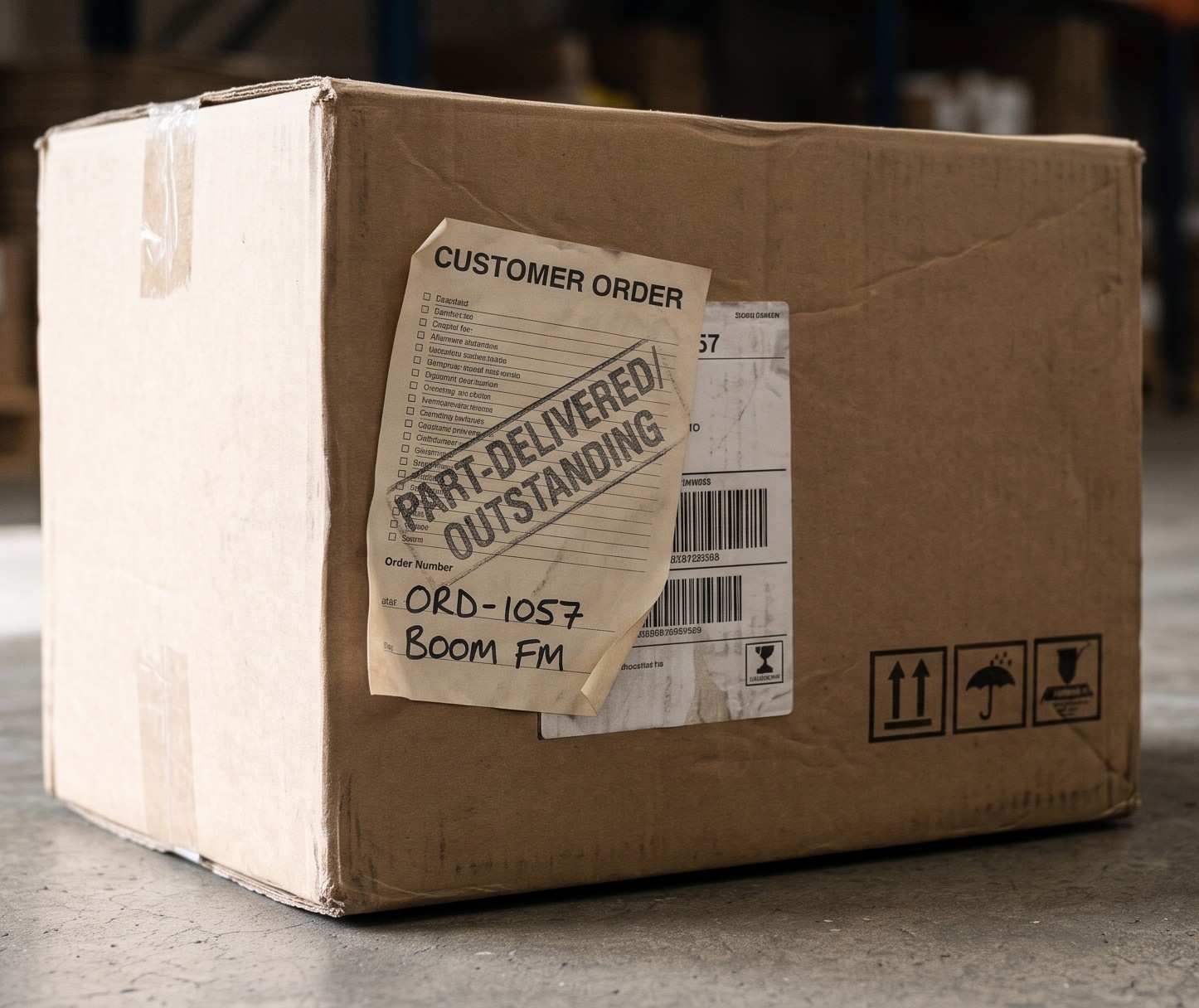
On the day a business switches to a new system, there are usually orders that are half delivered, purchase orders for stock that hasn’t arrived, and jobs partway through the workshop. Customers are still waiting for the rest of their orders, and the team needs to carry on from where they left off.
This is how we usually handle that work when a business moves to Workhorse, whether from spreadsheets, Sage 50 or another system. It’s the most common approach rather than the only one, and some businesses have good reasons to do parts of it differently.
Choosing when to switch
Most changeovers happen over a weekend. The team finishes the week in the old system, counts the stock at the end of Friday and starts on Workhorse on Monday morning.
The stock count is the main reason for the timing. Opening stock needs to match what’s actually on the shelves, and that’s much easier to establish when nothing is moving. If goods are still being received and despatched while someone counts, the figures are out of date before they’re loaded. Everything up to Friday is then recorded in the old system, and everything from Monday in Workhorse.
That doesn’t suit every business. Some work weekends, and some have a quieter point in the month that works better.
Sales orders that are partly delivered
Say a customer ordered 100 units three weeks ago. You sent 60 and invoiced them, and the other 40 are waiting for stock.
We’d normally load that as the full order for 100, with the 60 already despatched and invoiced recorded against it. The team sees the same order the customer placed, with 40 still to send. When the stock arrives, they despatch and invoice the 40, and the first 60 aren’t invoiced a second time.
The alternative is to load only the 40 as a new order. That’s quicker to prepare, but if the customer rings about their order for 100, the team is looking at an order for 40 and has to go back to the old system to check the difference.
Purchase orders still outstanding
Open purchase orders come across as well, so the team can see what’s due in and which customer orders are waiting for it. Without them, nothing would show as due in for those 40 units.
The supplier’s bill needs a bit more thought. If goods arrived before the changeover but the bill comes in afterwards, the receipt was recorded in the old system and the bill hasn’t been entered anywhere yet. That’s typically dealt with in Xero, or in Sage if the business keeps Sage for its accounts, by whoever looks after them. If that’s agreed with your bookkeeper beforehand, a bill turning up in the first couple of weeks doesn’t cause confusion.
Jobs already in progress
Jobs are usually loaded as open jobs too, so production can carry on from where it was on Friday and the team can see them alongside new work.
Materials already used on a job aren’t on the shelf when the stock is counted, so they aren’t in opening stock. It’s worth checking that what each job still expects to use matches what’s left, particularly for jobs that were nearly finished.
Another option is to finish the nearly complete jobs in the old system and only bring over the ones that have barely started. If there are only a handful, that can be simpler.
The first week
A few things may need correcting in the first week, such as an order part-delivered on Friday afternoon after the list was taken, or a purchase order the supplier had changed. It helps to have someone who knows the open orders well checking the larger ones as they come up.
Related Blogs


Ready to get control of stock, orders and fulfilment?
Get started today and see the difference Workhorse can make for your business.